


CONSONO 35 CONCEPT Surround 5.1 set
With large satellites and AV receiver built into the subwoofer
- Cyber Week Deal
-100 €
449,99 €
549,99 €
Lowest recent price
599,99 €
Original price

With large satellites and AV receiver built into the subwoofer


For stereo gaming with AV receiver built into the subwoofer

With AV receiver built into the subwoofer


Active ULTIMA sound system. Ready to play with built-in amplifier
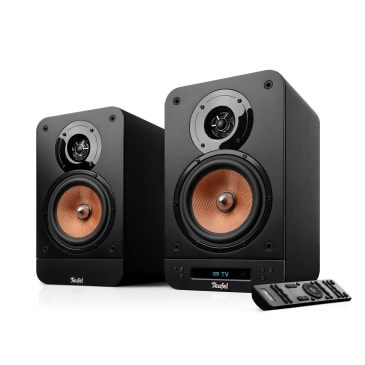
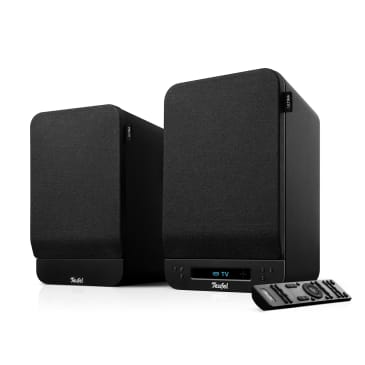
Ready for TV, streaming, gaming and working from home
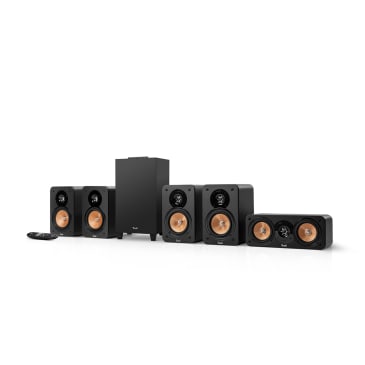
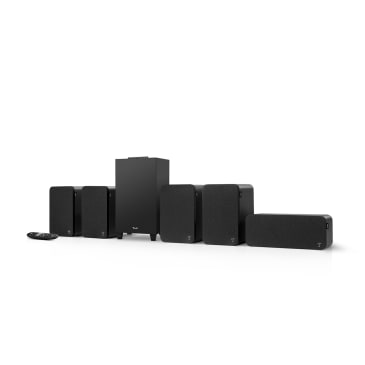
Plug & play complete 5.1 system for games, movies, and music in true Surround Sound

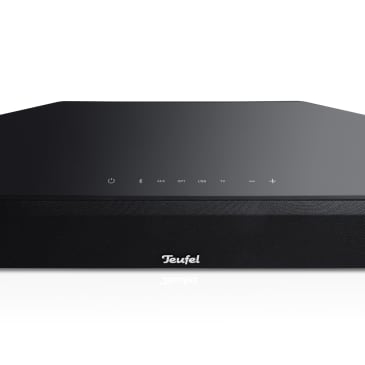
Soundbar for smaller spaces
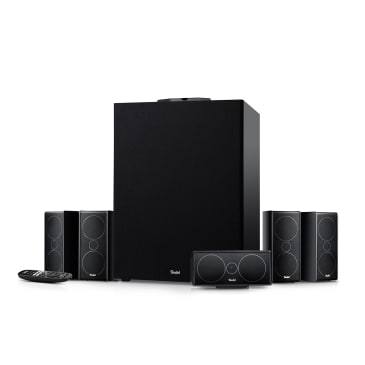
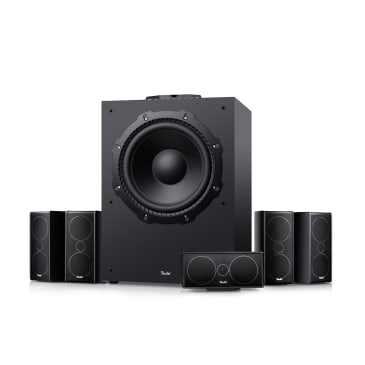
Large satellites and AV receivers built into the XL subwoofer
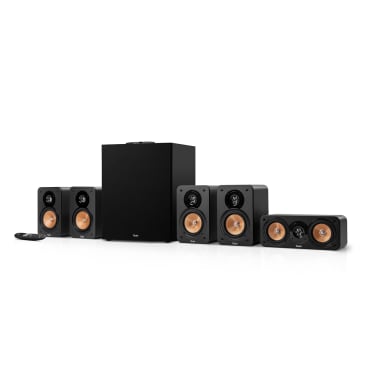
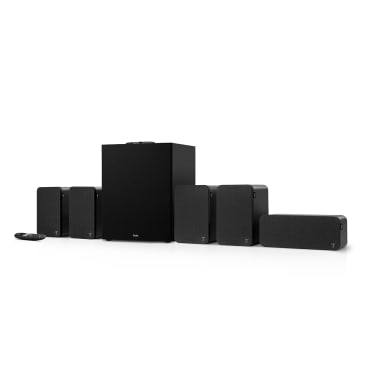
Plug & play 5.1 complete system
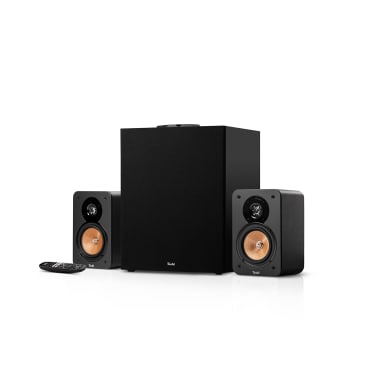
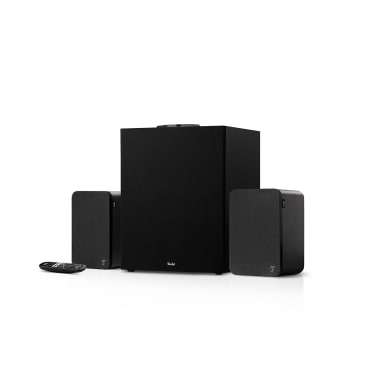
Plenty of bass for gaming in stereo
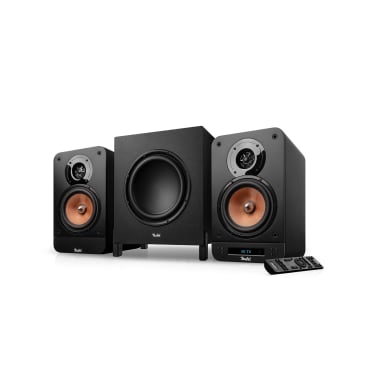
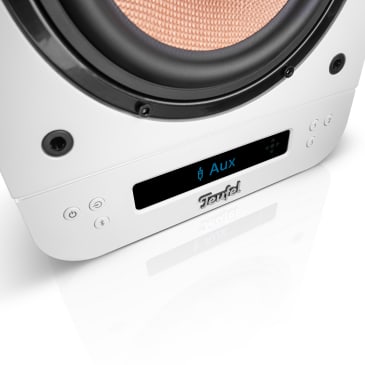
With a subwoofer for bigger spaces
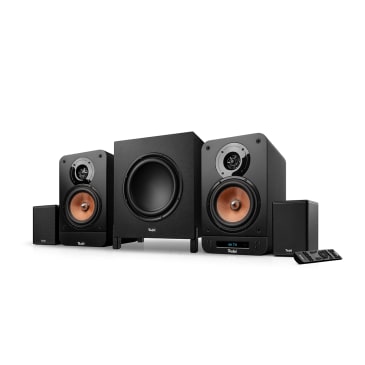
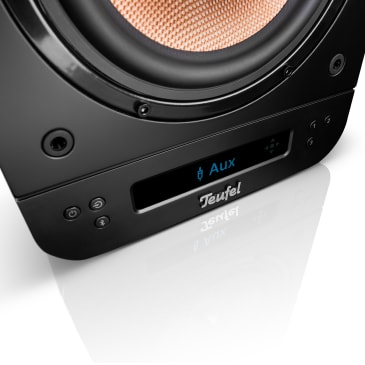
With AV receiver built into bookshelf speakers

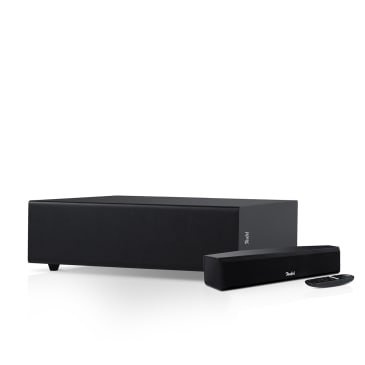
Subwoofer included
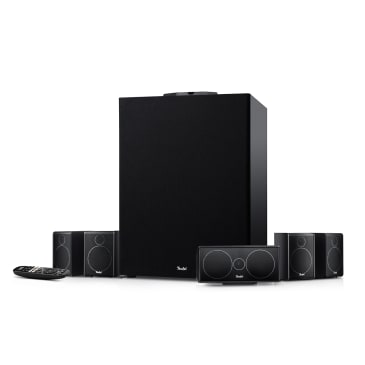
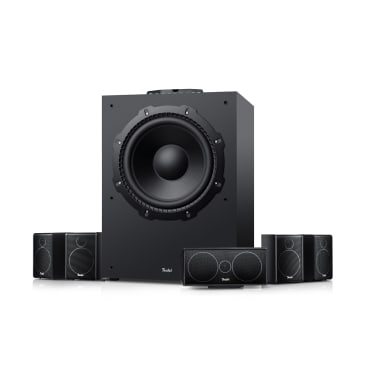
With AV receiver built into the XL subwoofer
2Alma 0% financing – terms and conditions
Minimum age: 18. You must be a resident of Germany, Austria, Belgium, Spain, France, Ireland, Italy, Luxembourg, the Netherlands or Portugal. Depending on your country of residence, you will pay your instalments to Alma by credit card, debit card or SEPA Direct Debit. Caution! Borrowing money costs money.
Subject to a creditworthiness assessment by Alma. Depending on your choice, the repayment term is 2 or 3 monthly instalments. There are no additional costs when paying in instalments with Alma. The 0.00% APR applies to credit agreements concluded during the promotional period between 26.11.2026 at 00:00 and 06.12.2026 at 23:59. The 0% financing offer applies exclusively to selected products with an order value of between EUR 99 and EUR 5,000 and only to transactions in euros. The individual monthly instalment for your order depends on the value of the products and will be displayed on the relevant product pages and during checkout with Alma.
Lender: Alma SAS, 176 Avenue Charles de Gaulle, 92200 Neuilly-sur-Seine, France. Payment security is guaranteed by Alma and its service providers. All payments are protected by 3D Secure. Depending on their country of residence, eligible customers must have a valid and accepted credit or debit card registered as a payment method, or authorise Alma to collect payments by SEPA Direct Debit.
For more information about paying in instalments with Alma, visit our payment methods page.Just about everyone who has a PC at home ends up supplementing the weak and tinny sound that the in-built speakers emit with something a bit more substantial. Unfortunately, many PC speakers are more stylish than practical. Some achieve both style and high volumes, but there are very few PC loudspeakers that would satisfy a true audiophile. This is where Teufel comes in. We offer loudspeakers for PCs and laptops that deliver crystal clear sound across a wide frequency spectrum and all for a reasonable price.
It can be difficult to decide what type of system to get. Just like any other sound system, there are many different options available for PCs: 2.0 stereo speakers, 2.1 sets with subwoofers for that extra bassy kick, and even full 5.1 sets for surround sound. In addition, some sets offer integrated sound cards and control stations. All of these systems, though, greatly enhance the viewing of videos, playing of games, listening to music, or chatting with friends via Skype – activities many of us spend a great deal of time on.
If you choose a surround sound system for your PC, the next important step is to set it up in such a way that the immersive sound can be fully enjoyed from where you sit. The centre speaker should be placed directly above or beneath the screen. The front speakers should be situated at equidistance at either side of the screen, and back channels should mirror the front. The subwoofer can be placed between the two front speakers, although there is more flexibility with this speaker than the others. Corners of rooms, however, should be avoided as this can lead to problematic reflections that can distort the sound.
For the best sound at your PC, laptop, or notebook, you should pay special attention to the connection possibilities. Most PCs offer a variety of connection options from USB ports to line outs and they should work as long as your PC has a sound card. With 2.0 sets, a 3.5 mm stereo mini jack can be inserted into the computer’s line out. The same goes for a 2.1 system. If you want to connect a 5.1 system, you’ll need to ensure that your system has at least 3 analogue outputs. With digital inputs, it’s important to ensure that your PC has a corresponding digital output on its soundcard.
These should be arranged just as they would be at a PC. It’s helpful to think of the television as the central point in relation to the listening/viewing position. Again, as its name suggests, the centre speaker should have a central position under the display. This is vital for hearing the dialogue that this channel conveys. The front speakers go to the left and right at equidistance to the centre with the rear channels directly across from them behind the listening position. The subwoofer can be placed just about anywhere except in a corner.


